1.) First, signup for plex. You can do this on the website Plex.tv or by downloading the app for android/iphone/fire stick/etc and clicking signup. Once you have signed up, message me and let me know what email or username you signed up with so I can add you to my library.
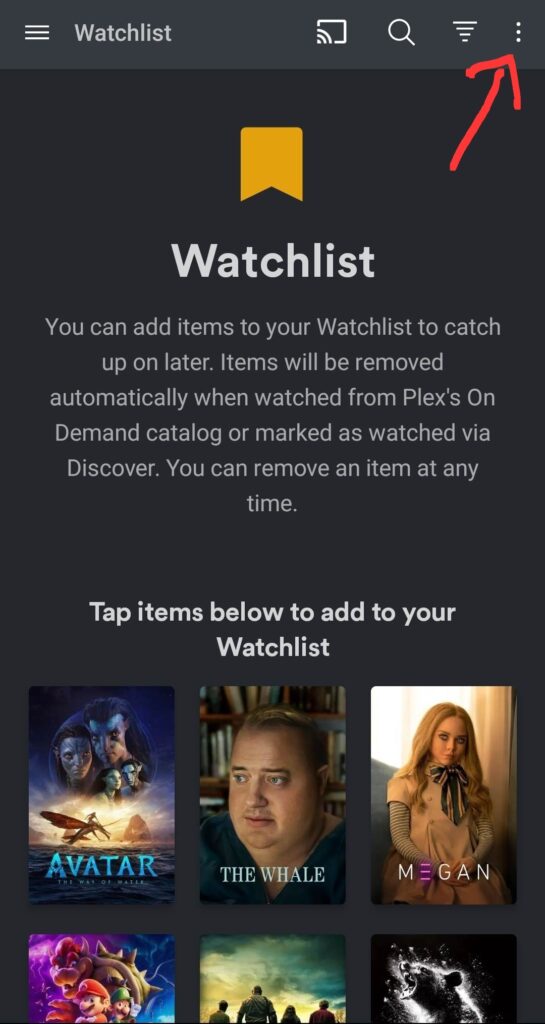
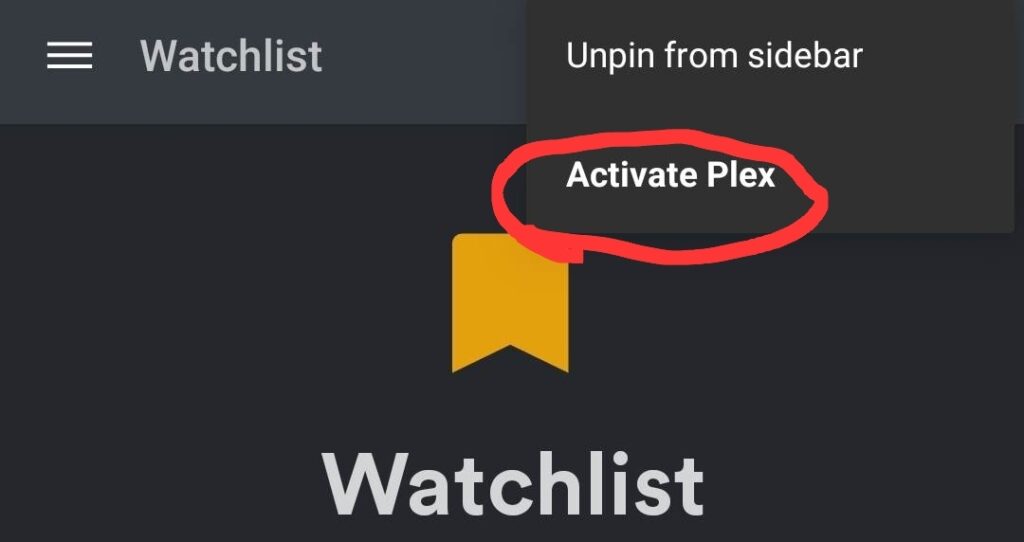
2.) If you use the TV apps, they are free. If you use the android/iPhone app, you’ll need to pay a one time $4.99 fee by clicking the top right menu and clicking activate. (Steps shown below)
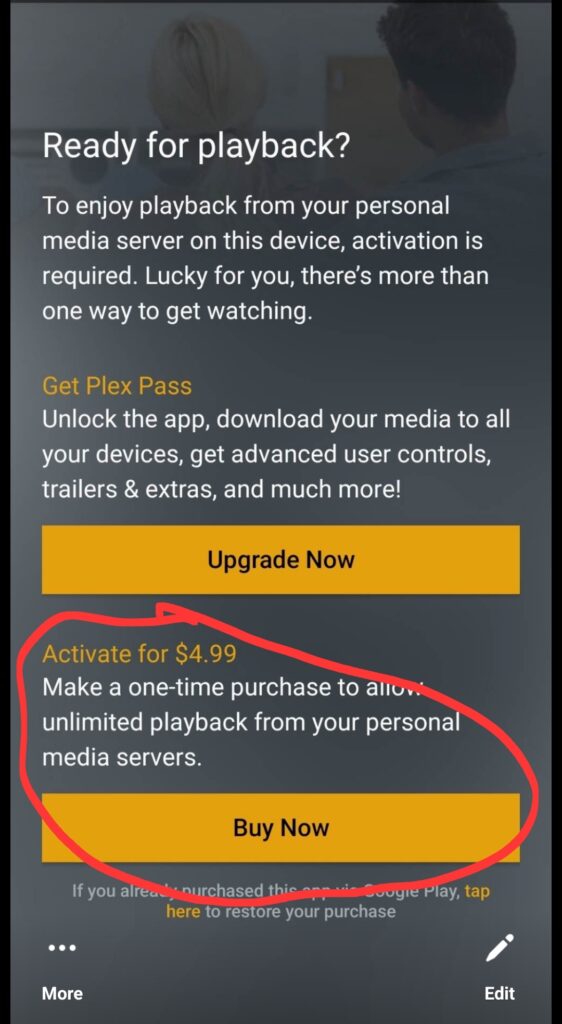
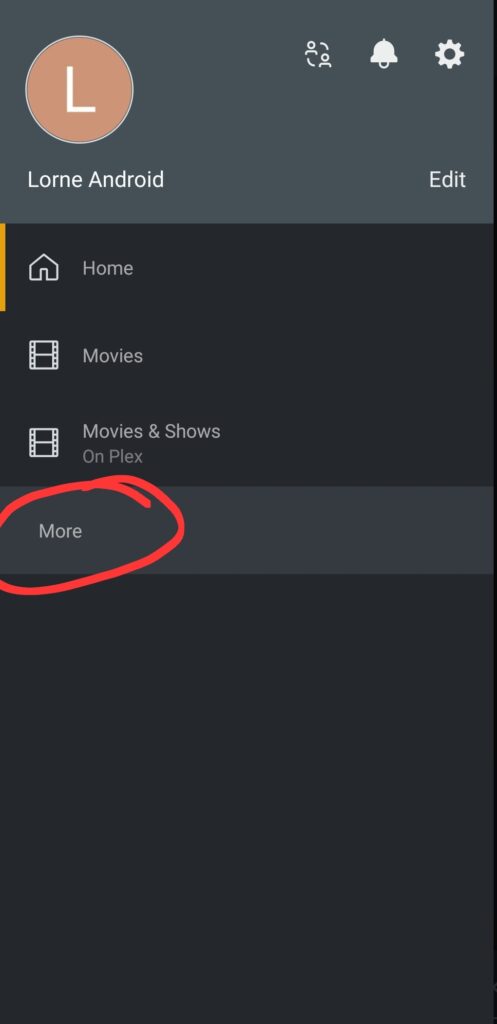
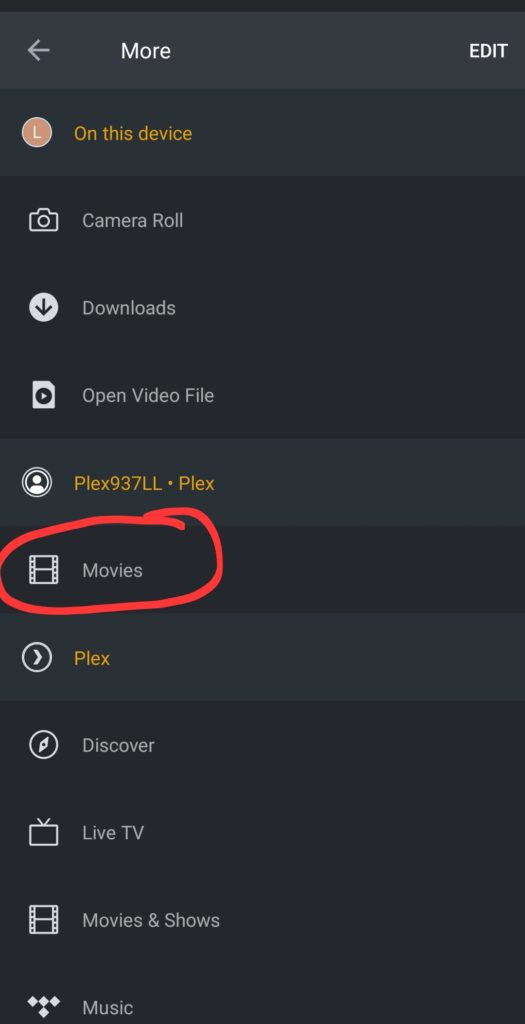
3.) Click the top left menu. Scroll down to “more” and click more. On android/phone you may need to click “edit” on the menu and unpin some unneeded items (music, watch list, etc) to make space for “more to show up. Once you click “more” you should see username Plex937LL and click movies below that.